 SameSky
01 /
Send a moment
Share a note, photo, drawing, or voice postcard when you want them to feel close.
A private space for two people apart. Draw a note, send it to their Home Screen, and share the moments in between.
Made for iPhone · App Store release coming soon
A Sky Drop can put a drawing on their widget when they have it installed. This is a visual demo; the actual widget follows their device settings.
Open SameSky to see their local sky, the next time you’ll be together in person, and the moments waiting for you. These are real app screens filled with example content.
Real SameSky screens · fictional example content
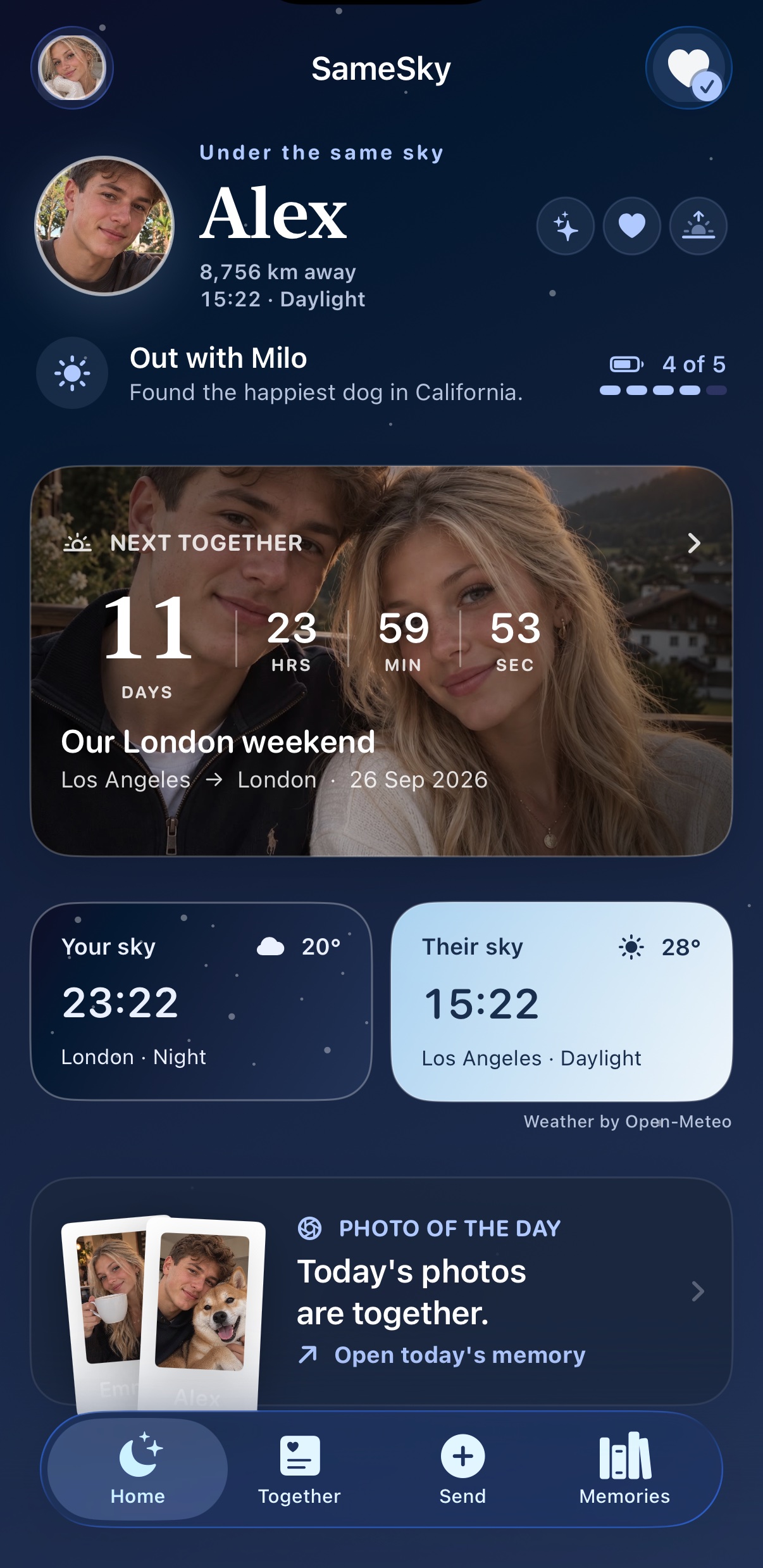
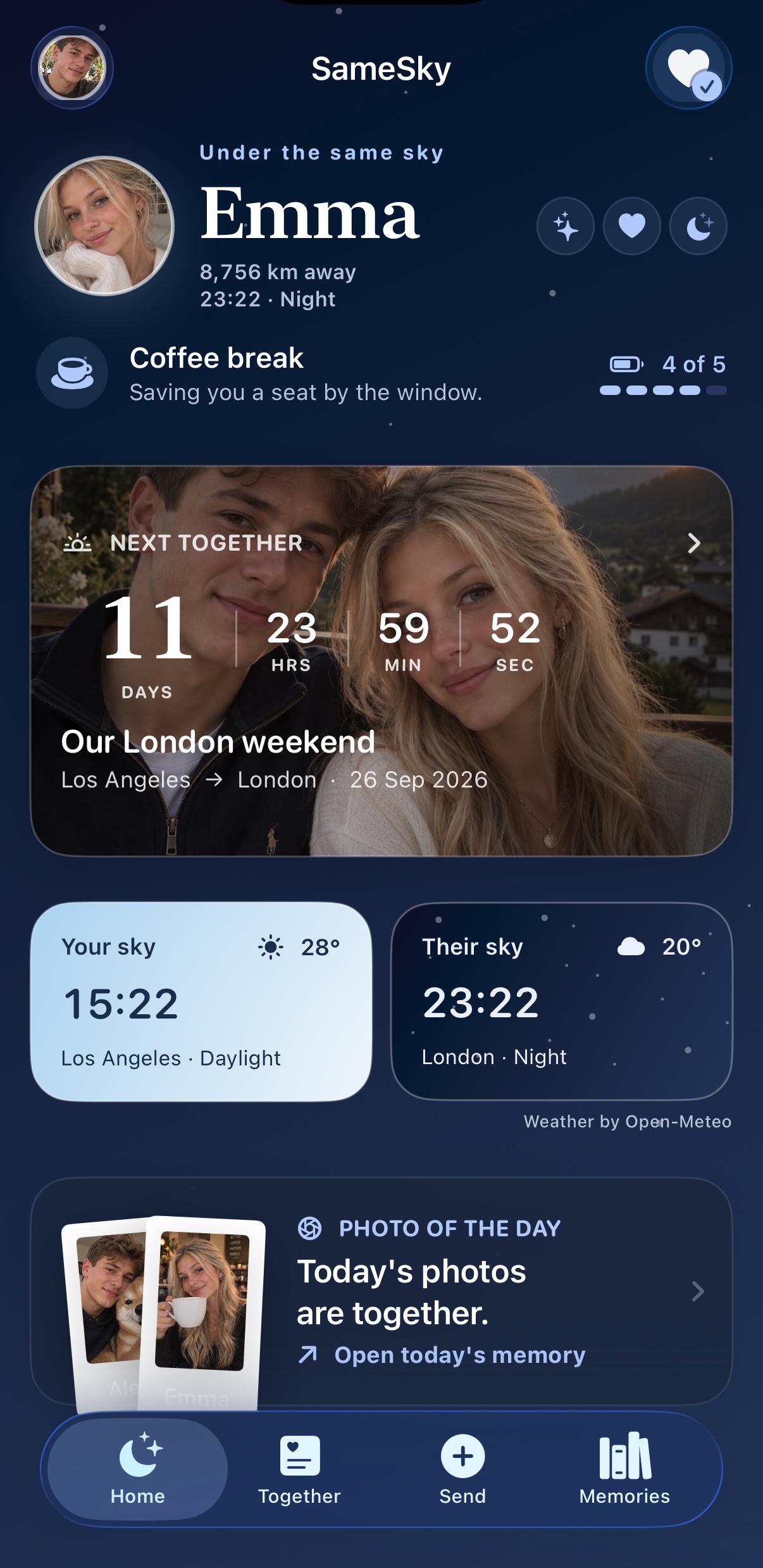
Send, play, and save what matters without turning closeness into another task.
Share a note, photo, drawing, or voice postcard when you want them to feel close.
Each person’s local time and sky sit together, even when your days are hours apart.
Keep a photo-backed countdown to the next time you’ll be together in person.
Add one Photo of the Day each. The pair reveals when both of you have shared.
Answer daily questions and compare your choices in playful quizzes for two.
Come back to photos, notes, drawings, replies and shared memories whenever you like.
A tap sends a small personal notification. Watch the star travel, then see how it arrives on their phone.
A demonstration of the in-app interaction. No notification is sent from this page.
A personal notification appears here.
Choose a drawing, photo, or note as a Sky Drop. When they have the SameSky widget installed, it can appear where they’ll see it throughout the day.
Your own lines and colours, drawn by hand.

One space connects exactly two people. There’s no public profile, follower count, or background location tracking. You decide what to share and when.
How SameSky handles your dataInvite one person with a private code or link.
Share approximate distance only if you choose to.
Keep your memories accessible in your shared space.
Manage your account and data in the app.
SameSky is coming to the App Store. Until then, explore the experience or get in touch with us.
Get in touch